

Content Quality & Page Structure
SiteScore reviews how your content is organized and presented — heading structure, paragraph length, duplicate heading text, and readability proxies — to help you create clearer, better-structured pages.
What this feature checks
6 checks in this category. Every check links to the source markup it inspects.
Heading structure
Outline of headings and skipped-level detection.
Duplicate headings
Repeated heading text within the page.
Paragraph length
Flags unusually long paragraphs.
Readability proxy
Average sentence length and word complexity estimate.
Content ratio
Approximate ratio of visible text to markup.
Title-to-content alignment
Overlap between title keywords and body headings.
How SiteScore inspects content quality & page structure
A straightforward look at what happens when you run this analysis.
- 1
SiteScore extracts the visible text and heading outline from the page.
- 2
Heuristics estimate readability and structure quality.
- 3
Findings are shown with the relevant content excerpt for context.
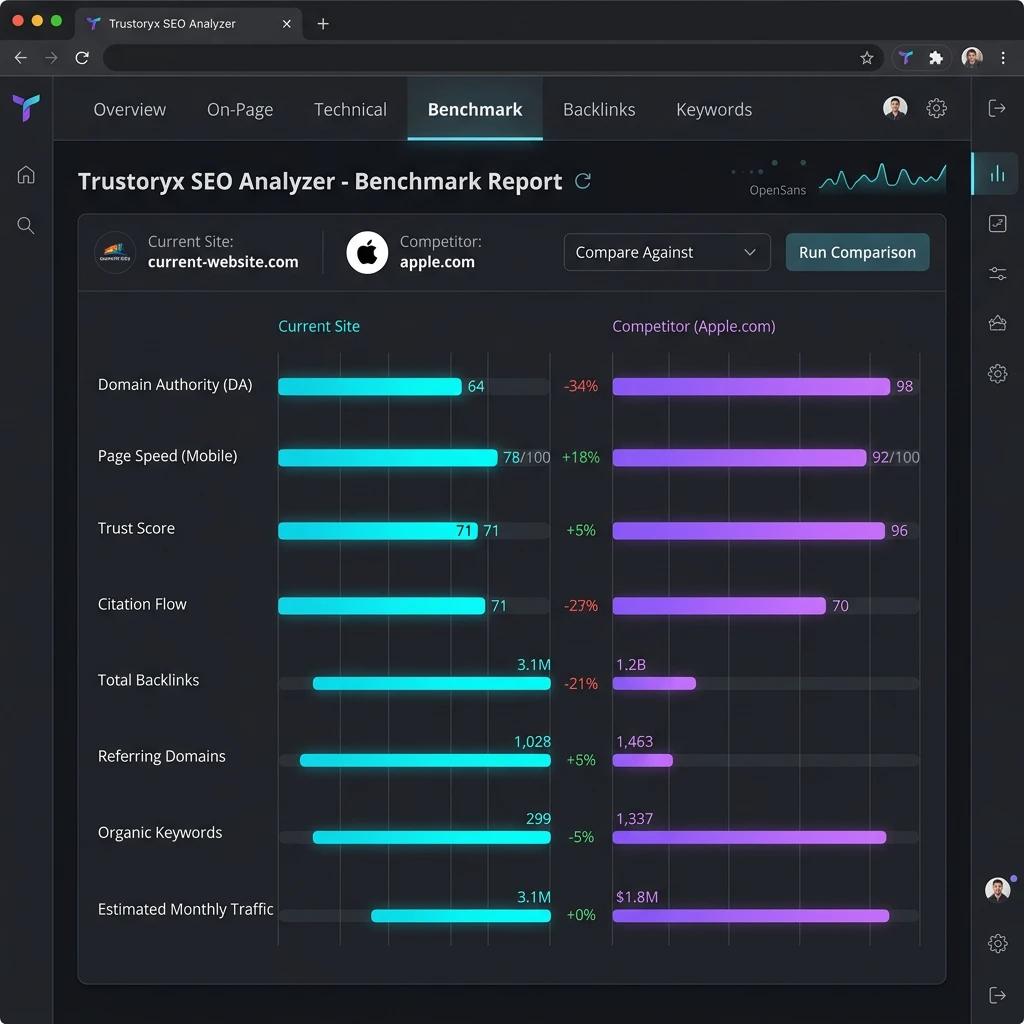
What a finding looks like
Each finding includes severity, observed evidence, and a suggested fix. The data below is labeled sample data.
Skipped heading level
H2 followed directly by an H4, skipping H3.
Maintain a logical heading hierarchy without skipping levels.
Evidence and limitations
- Readability heuristics are simple proxies, not a substitute for editorial judgment.
- Content quality is subjective; SiteScore provides structural signals, not a content grade.
How to act on findings
Treat each finding as a starting point. Use the evidence panel to locate the relevant markup, apply the suggested fix, then re-run the analysis to confirm the issue is resolved.
Severity is a guide, not a rule. A warning that affects your primary content may matter more than a critical issue on a low-traffic page.
Combine SiteScore with official tools — Search Console, the Rich Results Test, and PageSpeed Insights — for a complete picture.
Explore related features
SEO Analysis
Page-level SEO signals from titles and meta to headings, links, and images.
ReadTechnical SEO
Browser-observable technical signals: HTTPS, responsiveness, robots, and more.
ReadStructured Data
Detect and inspect schema.org JSON-LD and microdata on the page.
ReadAnswer Engine Optimization (AEO)
Signals that help answer-oriented content serve AI and voice queries.
ReadContent Quality & Page Structure questions
Run content quality & page structure on your page
Install the SiteScore Chrome extension and analyze the page you have open right now.