

Performance
SiteScore reports performance indicators observable in the browser at the time of analysis. These are not the same as lab data (e.g., Lighthouse) or field data (e.g., Chrome UX Report), and should be read as directional signals rather than authoritative Core Web Vitals.
What this feature checks
6 checks in this category. Every check links to the source markup it inspects.
DOM size
Total element count in the document.
Render-blocking resources
Synchronous scripts and stylesheets in the head.
Image dimensions
Missing width/height attributes that can cause layout shift.
Lazy loading
Images below the fold without loading="lazy".
Third-party origins
Count of distinct external script/stylesheet origins.
Font loading
Detects font-display behavior where observable.
How SiteScore inspects performance
A straightforward look at what happens when you run this analysis.
- 1
SiteScore inspects the loaded document and resource tags at analysis time.
- 2
Indicators are computed from what the browser exposes, not from a synthetic test run.
- 3
Results are framed as observations, not as a replacement for lab or field measurement.
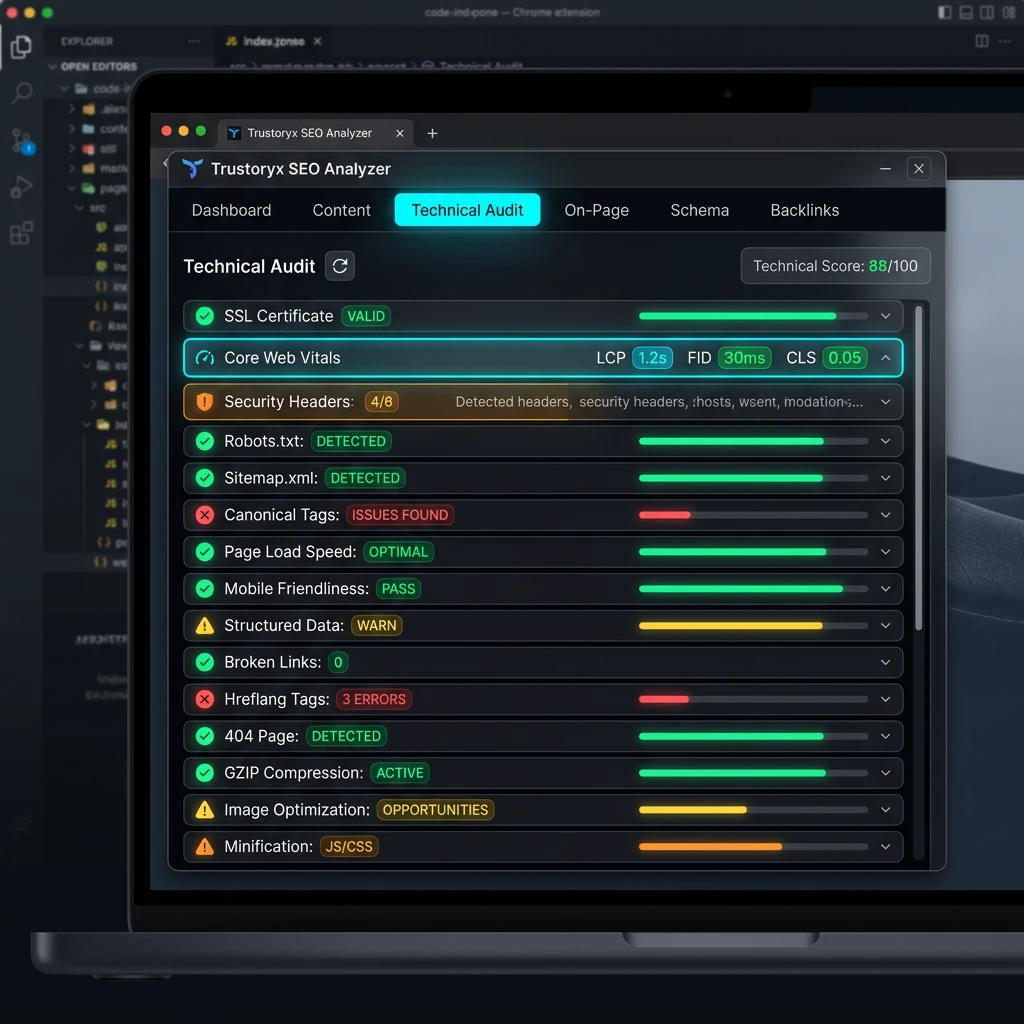
What a finding looks like
Each finding includes severity, observed evidence, and a suggested fix. The data below is labeled sample data.
Render-blocking stylesheet in head
2 stylesheets loaded without async/defer behavior.
Consider inlining critical CSS and deferring non-critical stylesheets.
Evidence and limitations
- Browser observations are not a substitute for Lighthouse lab data or Chrome UX Report field data.
- Real-user Core Web Vitals (LCP, INP, CLS) require field measurement and cannot be confirmed locally.
How to act on findings
Treat each finding as a starting point. Use the evidence panel to locate the relevant markup, apply the suggested fix, then re-run the analysis to confirm the issue is resolved.
Severity is a guide, not a rule. A warning that affects your primary content may matter more than a critical issue on a low-traffic page.
Combine SiteScore with official tools — Search Console, the Rich Results Test, and PageSpeed Insights — for a complete picture.
Explore related features
SEO Analysis
Page-level SEO signals from titles and meta to headings, links, and images.
ReadTechnical SEO
Browser-observable technical signals: HTTPS, responsiveness, robots, and more.
ReadStructured Data
Detect and inspect schema.org JSON-LD and microdata on the page.
ReadAnswer Engine Optimization (AEO)
Signals that help answer-oriented content serve AI and voice queries.
ReadPerformance questions
Run performance on your page
Install the SiteScore Chrome extension and analyze the page you have open right now.